Quick answer: A POS system for retail business replaces paper registers and Excel sheets with automated billing, live inventory tracking and instant sales reports. It reduces human errors, prevents stock-outs and theft, speeds up checkout and shows owners their real profit every day, which is why it is the foundation of modern retail business growth.
A few years ago, a cash drawer, a thick paper ledger and a calculator were enough to run a local shop, supermarket or restaurant. Today, if you still track sales by hand or in messy Excel sheets, you are holding your business back. A POS system for retail business fixes this by automating billing, stock and reporting in one place. Our website design and development services help businesses turn ideas like these into fast, results-driven websites.
Ask yourself one honest question: is my business actually growing, or am I trapped in the daily chaos of manual work? If it takes hours every evening to calculate profit, check stock or compare branches, your business needs a modern POS billing system. In this guide, Bitlinks Tech, an AI-powered software and digital marketing agency in Lahore, explains the hidden costs of manual tracking and how the right POS software drives growth.
Why Are Excel and Paper Registers Bad for Retail Business Growth?
Many owners think Excel is free and notebooks are easy, so they skip proper software. In reality, these "free" methods carry a heavy hidden cost.
1. Human Errors and Cash Mismatches
During a rush, cashiers making manual entries make typos, double bills and pricing mistakes. When the cash drawer does not match the record at closing, finding the leak without a digital trail is almost impossible.
2. Blind Spots in Inventory
If staff forget to update an Excel stock sheet after one busy shift, the data becomes useless. Customers ask for popular items that are suddenly out of stock, and you lose both the sale and their loyalty.
3. Internal Theft and Unauthorized Discounts
Manual logs are easy to change. Without itemized tracking and user-level access, shrinkage and unapproved discounts slip through unnoticed.
4. Slow Checkout and Long Queues
Writing bills by hand or searching product codes in a spreadsheet slows the counter. The longer customers wait, the more likely they are to leave and buy from a competitor.
What Is a POS System and How Does It Work?
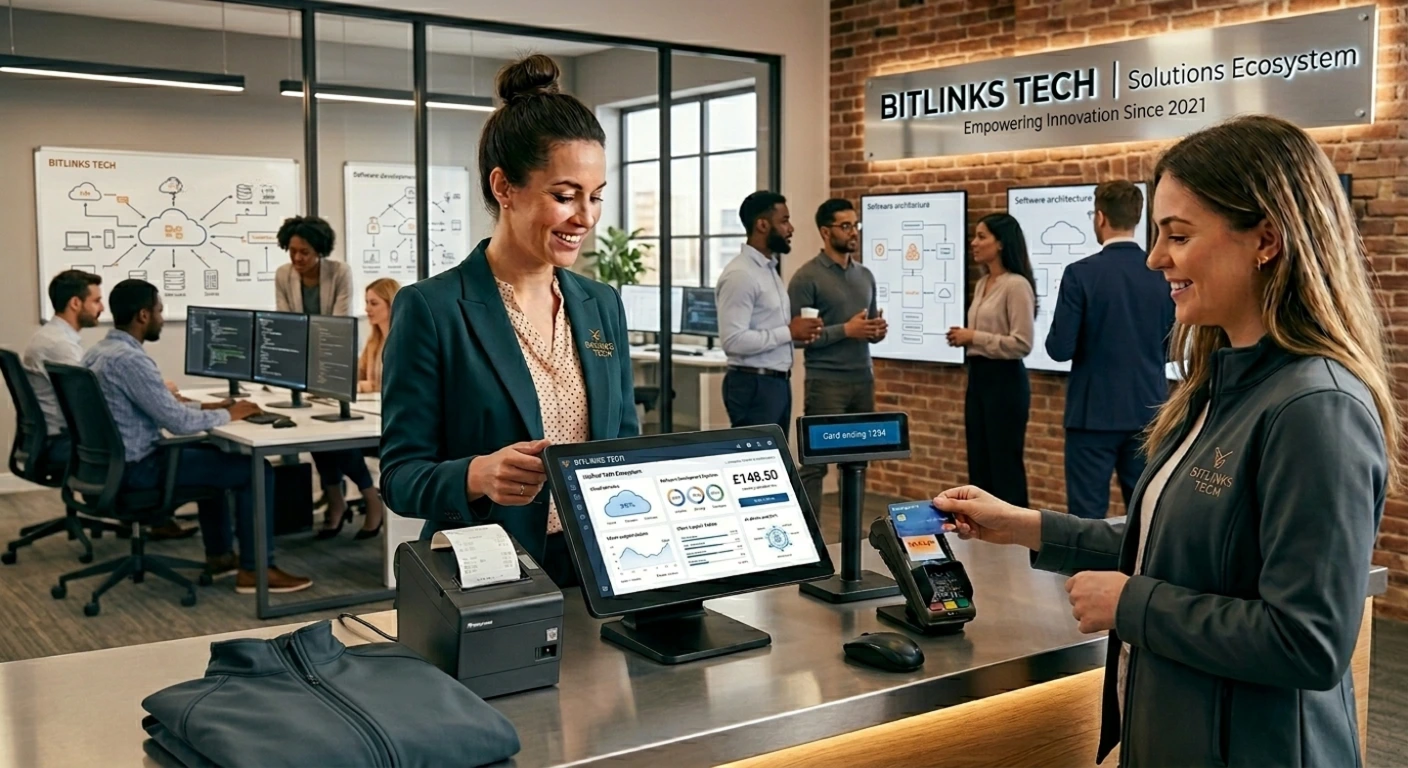
A point of sale (POS) system is the operational brain of a retail business. It combines hardware, such as a touch terminal, barcode scanner, receipt printer and cash drawer, with software that records every transaction automatically.
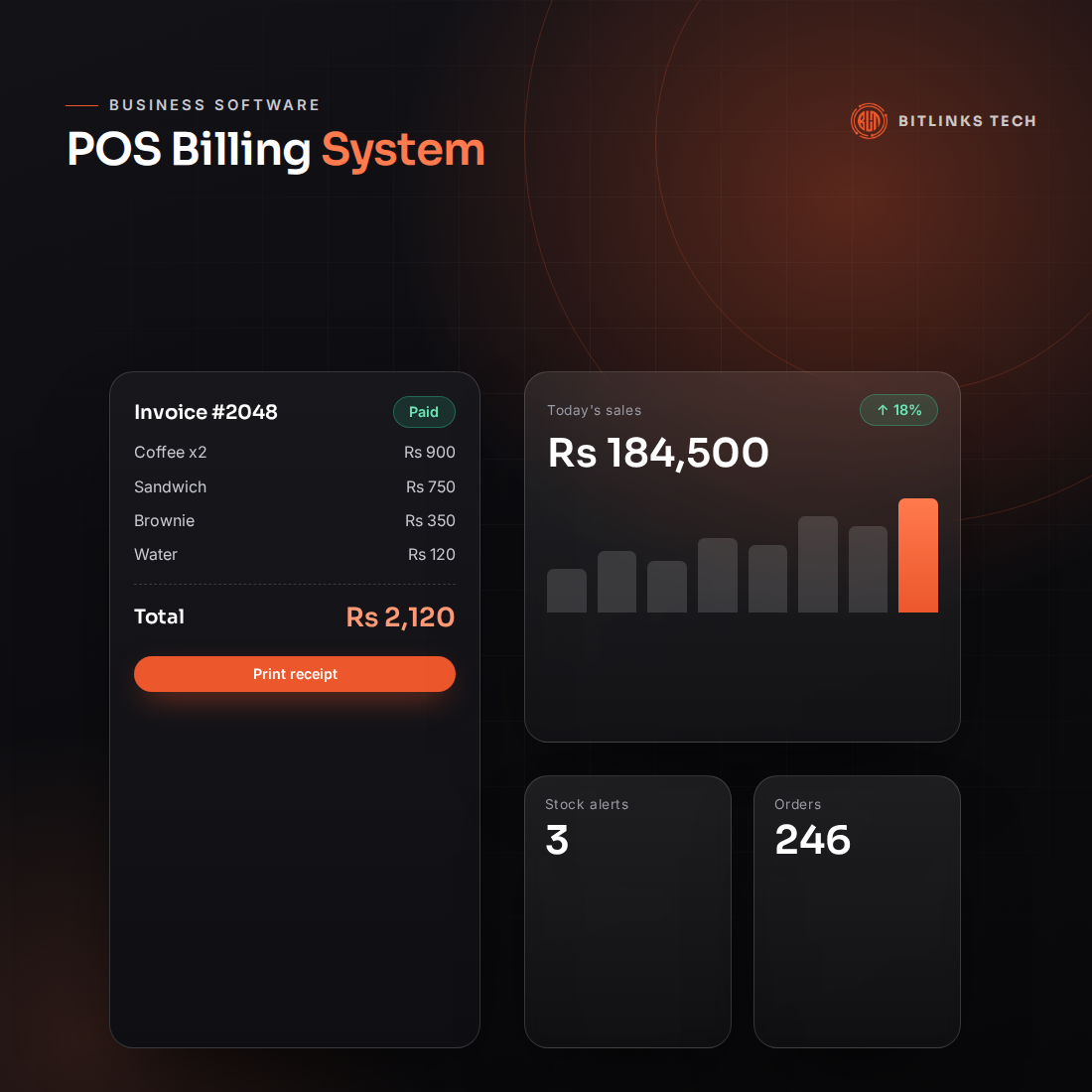
The moment a product is scanned, the POS software:
- Finds the correct price and generates an accurate bill.
- Deducts the quantity from live inventory.
- Records the payment method, whether cash, card or digital wallet.
- Prints a clean, professional receipt.
This happens in seconds, so lines keep moving and your data stays accurate. In Pakistan, a POS also matters for compliance, because the Federal Board of Revenue (FBR) requires Tier-1 retailers to integrate their point of sale with its system for real-time invoice reporting. An FBR integrated POS keeps your tax records accurate and audit-ready.
What Features Should a POS System for Retail Business Have?
Our Bitlinks Tech POS software is built for local retail, wholesale and hospitality businesses, making it a practical choice for POS software in Pakistan. These are the features that make the biggest difference: A fast, mobile-friendly site from a professional web design and development company makes every strategy in this guide more effective.
- Fast billing: a simple interface cashiers can learn within their first hour.
- Built-in inventory management software: stock updates with every scan, and you get notified before popular items run out.
- Barcode billing software: scan branded products instantly or print custom barcodes for garments and unbranded goods.
- One-click reports: daily, weekly and monthly sales, profit margins and best-selling products.
- Multi-branch dashboard: see sales and stock for every outlet from anywhere.
- User permissions: control who can give discounts, edit bills or view reports.
Staff attendance and payroll can connect through our employee management system, so owners manage people and sales from one place.
How Can AI Make Your POS Even Smarter?
As an AI-powered agency, we help retailers go beyond basic billing. With AI automation services, your POS data can trigger automatic purchase orders, send WhatsApp reminders to customers and flag unusual refunds or discounts. Sales history can be used to forecast demand before seasonal peaks such as Eid or wedding season, so you stock the right items at the right time.
You can also connect your store to an AI chatbot that answers product questions, shares prices and takes orders around the clock.
Which Businesses Need a POS System?
Any business that sells over a counter benefits from a POS system, whether it has one small outlet or a growing chain of branches. It is especially valuable for:
- Supermarts and grocery stores: thousands of SKUs, bulk stock updates and fast checkout.
- Restaurants and cafes: table management, takeaway orders and kitchen order tickets (KOT).
- Clothing and apparel stores: tracking by size, colour and design.
- Pharmacies: medicine batches, suppliers and expiry dates.
- Hardware and mobile shops: serial numbers, IMEIs and warranty details.
Manual Registers vs a POS System: Quick Comparison
| Feature | Manual / Excel | Bitlinks Tech POS |
|---|---|---|
| Billing speed | Slow manual lookups | Instant barcode scanning |
| Stock accuracy | Prone to errors and delays | Live automated tracking |
| Business insights | Hours of calculation | One-click visual reports |
| Security | Records easy to alter | User-level permissions and audit trail |
| Customer experience | Long queues, handwritten bills | Fast checkout, printed receipts |
How Does a POS Support Online Retail Growth?
Modern customers shop both in-store and online. When your POS inventory connects to an e-commerce website, stock levels stay in sync across both channels, so you never sell an item you do not have. Combined with local SEO services, your store becomes easier to find when nearby customers search on Google.
Final Thoughts
In today's retail market, business software is no longer a luxury. It is a basic requirement for survival and growth. Every hour spent fixing spreadsheets is an hour not spent serving customers, marketing or opening your next branch.
Bitlinks Tech is more than a software vendor. We are your digital partner, from choosing the right hardware to installing the software, training your team and providing after-sales support. If you are comparing bigger platforms, also read our guide to the best ERP for small business.
Get a Free POS Demo
Whether you run a single shop or need a retail POS in Lahore for several branches, we can help. Ready to replace your registers with a smart POS system for retail business? Contact Bitlinks Tech today.
- Phone / WhatsApp: +92 300 1110031
- Email: info@bitlinkstech.com
- Address: Office # 3, First Floor, Link Arcade, Link Road, Model Town, Lahore, Punjab, Pakistan